

Logo Digitizing for Embroidery: Step-by-Step Guide
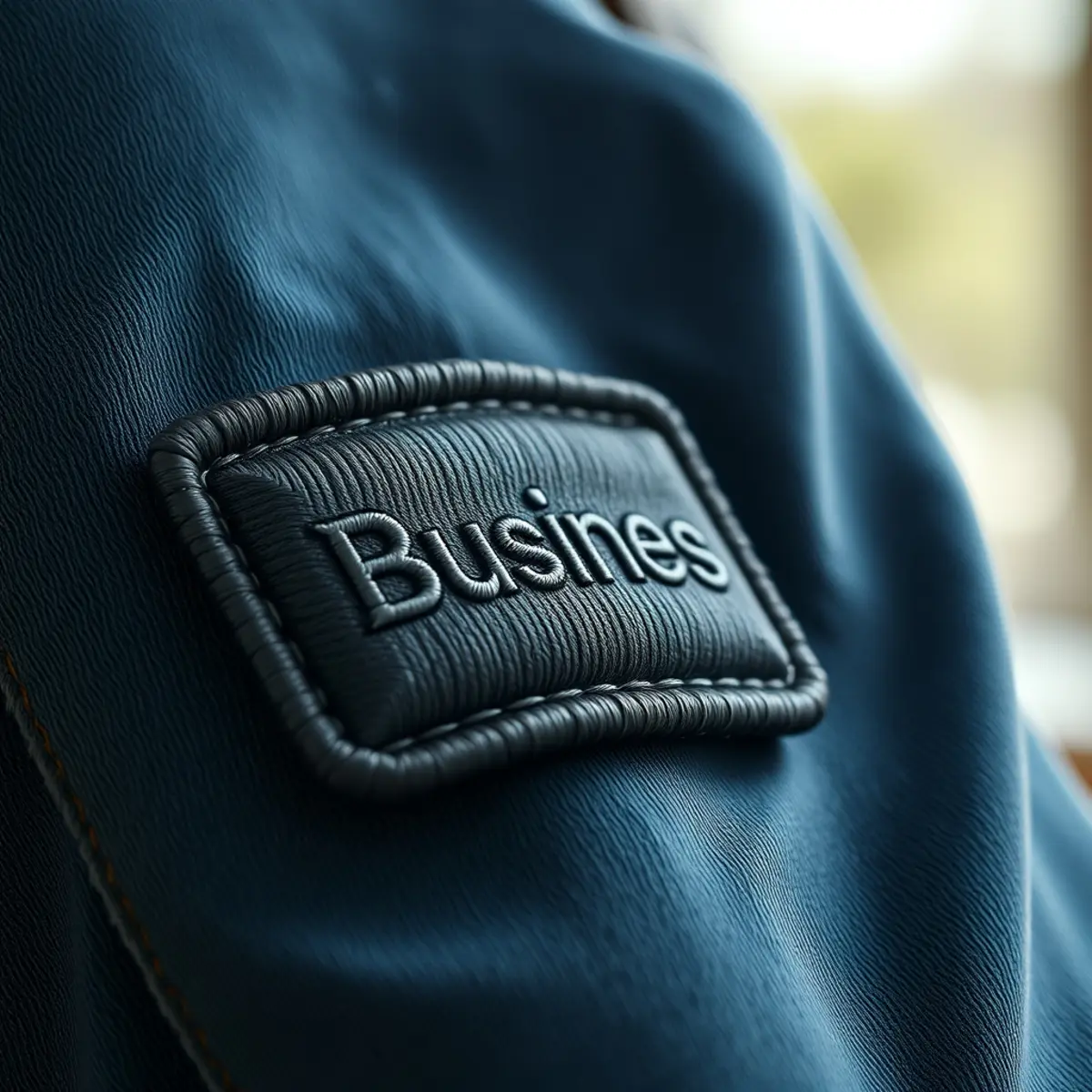
Professional logo digitizing for embroidery transforms flat artwork into stitch-ready files that multi-needle embroidery machines can read. Converting a standard graphic file into physical stitches requires careful planning of stitch density, pull compensation, and needle paths. Whether you are prepping business branding for uniforms or launching a clothing line, understanding this process helps ensure clean, durable results on fabric.
Quick answer: Logo digitizing for embroidery converts raster or vector files into machine-readable formats like DST, PES, or EXP. Professional digitizers map out stitch angles, density, and underlay stitches so embroidery machines recreate your exact design without thread bunching or fabric puckering.
What You Need for Logo Digitizing
Before you begin the digitizing process, gather your source files and project specifications. Having the right materials ready ensures the final embroidered patch or garment matches your exact branding.
- Source artwork: Clear vector files such as AI, EPS, or SVG provide the cleanest lines, though high-resolution PNG or JPEG files also work.
- Design dimensions: Know the exact width and height you need your final embroidery to be.
- Fabric type: Different fabrics require different underlay stitches and densities to prevent puckering.
- Thread color choices: Exact color references help match your brand palette accurately.
Step-by-Step Guide to Logo Digitizing for Embroidery
-
Prepare and Clean Your Artwork
Start by reviewing your graphic. Clean vector lines make it much easier to define boundaries, but a skilled digitizer can trace and rebuild low-resolution images. Remove unnecessary background details or gradients that do not translate well into physical thread.
-
Select the Correct Stitch Types
Assign appropriate stitches to different parts of your artwork. Use satin stitches for clean borders, narrow text, and sharp details. Fill stitches work best for large colored areas, while running stitches handle fine outlines and travel paths between elements.
-
Program Underlay Stitches
Apply an underlay layer beneath the main stitches to anchor the fabric and stabilize the stabilizer. Proper underlay prevents the fabric from stretching or shifting while the machine runs at high speeds, keeping your embroidered patches crisp and aligned.
-
Set Pull Compensation and Density
Adjust pull compensation to counteract the natural tendency of thread to pull fabric inward as it tightens. Adjusting density ensures full coverage without creating a stiff, bulletproof patch that breaks needles.
-
Export the Correct File Format
Save and export your digitized file in the specific format required by your embroidery machine. Common machine formats include DST, PES, and EXP. Professional embroidery digitizing starts from $13.50 per design, delivered in 24 hours with rush options available in 2–4 hours.
Common Mistakes in Logo Digitizing
Avoiding common errors prevents wasted thread, broken needles, and distorted logos on your final products. Pay close attention to these frequent pitfalls during the conversion process.
- Ignoring fabric weight: Using heavy fill stitches on lightweight fabrics causes severe puckering and warping.
- Making text too small: Lettering under 3 millimeters tall often loses legibility in thread, requiring simplified fonts or larger sizing.
- Skipping underlay: Omitting stabilizer stitches lets the top thread sink into loose weaves, ruining the definition of your logo.
- Overloading stitch density: Too many stitches in a small space makes the fabric stiff and can cause needle deflection.
Tips for Better Embroidery Results
Getting clean results goes beyond the computer screen. Pair your digitized file with quality backing, appropriate threads, and durable base materials like twill to ensure your custom patches stand up to daily wear. Always test sew a new design on scrap fabric before running a full production run of 10 or more pieces.
To learn more about how artwork translates into physical textures, read our guide on what is embroidery digitizing. You can also explore different patch styles like woven patches if your logo features extremely tiny text that requires flat, ultra-fine detail.
Frequently Asked Questions
What file formats do I need for logo digitizing?
Digitized embroidery files are saved in machine-specific formats such as DST, PES, and EXP so your embroidery machine can read the stitch commands. For your source artwork, vector files like AI, EPS, or SVG provide the sharpest reference, though high-resolution JPEGs and PNGs are also accepted.
How much does logo digitizing cost?
Embroidery digitizing starts from $13.50 per design with a standard 24-hour turnaround, while rush orders are delivered in 2 to 4 hours. Your quote shows every cost before you pay with no hidden fees.
Can any logo be converted into embroidery?
Almost any graphic can be converted, though complex gradients, photorealistic shadows, and extremely tiny fonts may need minor simplification. A skilled digitizer adjusts stitch angles and densities to faithfully capture your brand identity in thread.
What is the difference between vector art and embroidery digitizing?
Vector art scales 2D graphic shapes using mathematical paths for print and digital use. Embroidery digitizing converts those shapes into actual sewing instructions, including stitch types, angles, density, and thread cut commands for a machine.
How do I place an order for digitizing?
Send your artwork through our quote form. Orders start at just 10 pieces if you are pairing your digitized file with physical patch production, and your quote displays all costs upfront.
Ready to Order Your Custom Patches?
Orders start at just 10 pieces, and every patch order includes a Free Digital Mockup Before Production. Send us your design and your quote shows every cost before you pay.
Need Custom Patches?
Send us your design and get honest pricing back within 24 hours, plus a free digital mockup before production. No obligation.
Get a Quote