

EXP File Digitizing: How to Prepare Designs for Bernina
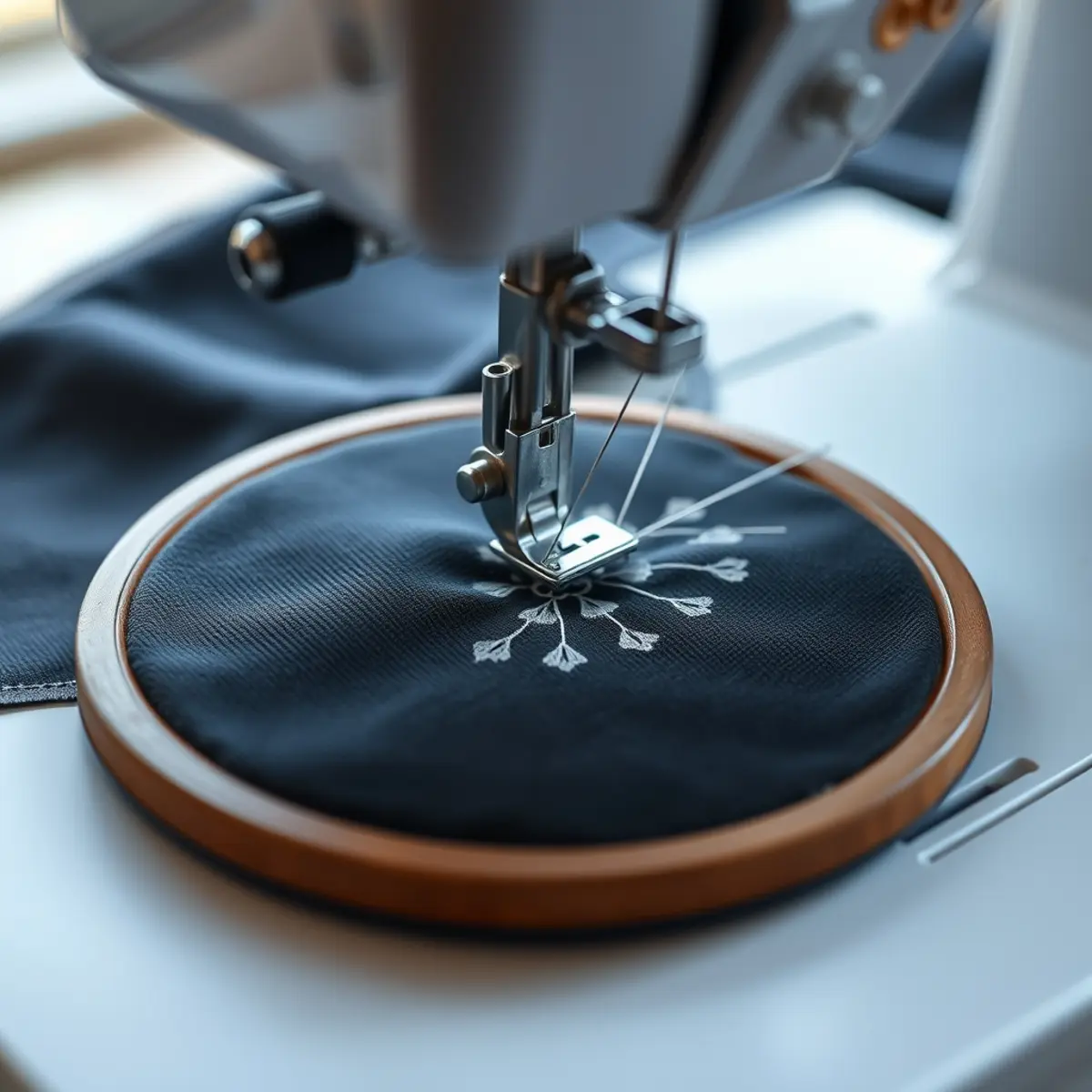
Professional exp file digitizing converts standard vector or raster graphics into the precise stitch commands required by Bernina embroidery machines. Getting this process right ensures that your custom designs sew out smoothly without thread breaks, registration errors, or excessive jump stitches. Whether you are stitching brand logos or custom graphics, understanding the conversion and file structure helps you achieve clean results on fabric.
Quick answer: EXP file digitizing translates flat artwork into native Bernina stitch files by mapping exact needle coordinates, color changes, and trim commands. EmboroStitch provides professional embroidery digitizing starting at $13.50 per design with a 24-hour delivery turnaround.
Understanding the EXP Embroidery Format
The EXP format is a native file type primarily used by Bernina and Melco embroidery machines. Unlike vector files that use scalable mathematical paths, an EXP file contains a direct list of machine coordinates telling the needle where to move, when to drop, and how to form stitches. Because it lacks built-in color palette definitions in the same way modern multi-format files do, proper color mapping and sequence planning during digitizing are critical for multi-color designs.
When you need to convert to exp format, you cannot simply rename a file extension. Doing so will corrupt the stitch data and can cause machine errors. The artwork must be manually or automatically mapped using professional embroidery software to generate accurate stitch angles, underlay stitching, and proper densities.
Step-by-Step Guide to EXP File Digitizing
Creating a reliable Bernina exp file requires careful attention to detail and a structured workflow. Follow these steps to prepare your artwork and convert it into a production-ready stitch file.
- Prepare and Clean Your Artwork: Start with a high-resolution raster image or a clean vector file (such as AI, EPS, SVG, or PDF). Remove unnecessary gradients, complex drop shadows, and microscopic details that cannot be translated into physical thread.
- Choose the Correct Stitch Types: Assign appropriate stitch types based on the design elements. Use satin stitches for narrow columns and borders, fill stitches for large solid areas, and run stitches for fine lines or underlay support.
- Program Underlay and Density: Add center run and edge underlay stitches to stabilize the fabric and prevent the thread from sinking into the material. Adjust the stitch density to match your target fabric, whether you are stitching on heavy twill or lightweight cotton.
- Sequence Color Changes and Trims: Arrange the sewing sequence logically to minimize thread travel and reduce jump stitches. Set precise color stop commands so your Bernina machine pauses correctly for thread changes.
- Generate and Test the EXP File: Export the finalized design into the EXP format. Run a test stitch-out on scrap fabric to check for registration alignment, pull compensation, and tension balance before running a full production run of custom patches.
What You Need for Professional Conversion
Successful embroidery production relies on proper tools and technical specifications. Here is what is required to handle embroidery files effectively:
- Source Artwork: Clean vector files or crisp, high-resolution image files to serve as the visual template.
- Digitizing Software: Professional software capable of generating precise machine instructions and handling melco exp format specifications.
- Machine Compatibility: Ensuring the output matches the exact hoop size and memory constraints of your Bernina embroidery hardware.
Common Digitizing Mistakes to Avoid
Even experienced creators run into issues when generating machine embroidery files. Avoid these frequent pitfalls to protect your equipment and materials:
- Skipping Underlay: Without proper underlay stitching, fabric shifts under the needle, leading to gaps and distorted outlines.
- Overlooking Fabric Pull: Fabrics stretch during stitching. Failing to apply pull compensation causes borders to miss their registration marks.
- Excessive Density: Packing too many stitches into a small area creates stiff, rigid designs that can break needles or pucker the fabric.
Why Outsource Your Digitizing?
Manually plotting thousands of individual stitches requires specialized software skills, expensive equipment, and significant time. Many apparel brands, embroidery shops, and hobbyists choose to outsource this technical step to ensure commercial-grade quality. At EmboroStitch, we deliver expert embroidery digitizing starting from $13.50 per design, delivered in 24 hours (with a 2–4 hour rush option available). We supply multiple formats including DST, PES, EXP, and more, ensuring your files work seamlessly across your hardware.
Frequently Asked Questions
What is an EXP embroidery file?
An EXP file is a machine-specific embroidery format used primarily by Bernina and Melco machines. It contains the exact coordinate data, jump commands, and stitch instructions required for the sewing head to execute the design.
Can I just change the file extension to .exp?
No. Changing a file extension manually will not convert vector or other stitch formats into valid EXP data. The design must be processed through digitizing software to generate the correct machine-readable binary code.
What software do I need to open an EXP file?
You can view and manage EXP files using Bernina embroidery software or standard commercial machine embroidery viewing tools. For vector editing needs, you can also submit files through our vector art service tiers.
How long does professional digitizing take?
Our standard embroidery digitizing service delivers completed files in 24 hours, with rush turnaround available in 2–4 hours for urgent production schedules.
Can I use EXP files for custom patch production?
Yes. Once your design is digitized into an EXP file, it can be used to produce embroidered patches starting at just 10 pieces with a free digital mockup before production.
Ready to Order Your Custom Patches?
Orders start at just 10 pieces, and every patch order includes a Free Digital Mockup Before Production. Send us your design and your quote shows every cost before you pay.
Need Custom Patches?
Send us your design and get honest pricing back within 24 hours, plus a free digital mockup before production. No obligation.
Get a Quote