

DST File Conversion: How to Convert Artwork for Embroidery
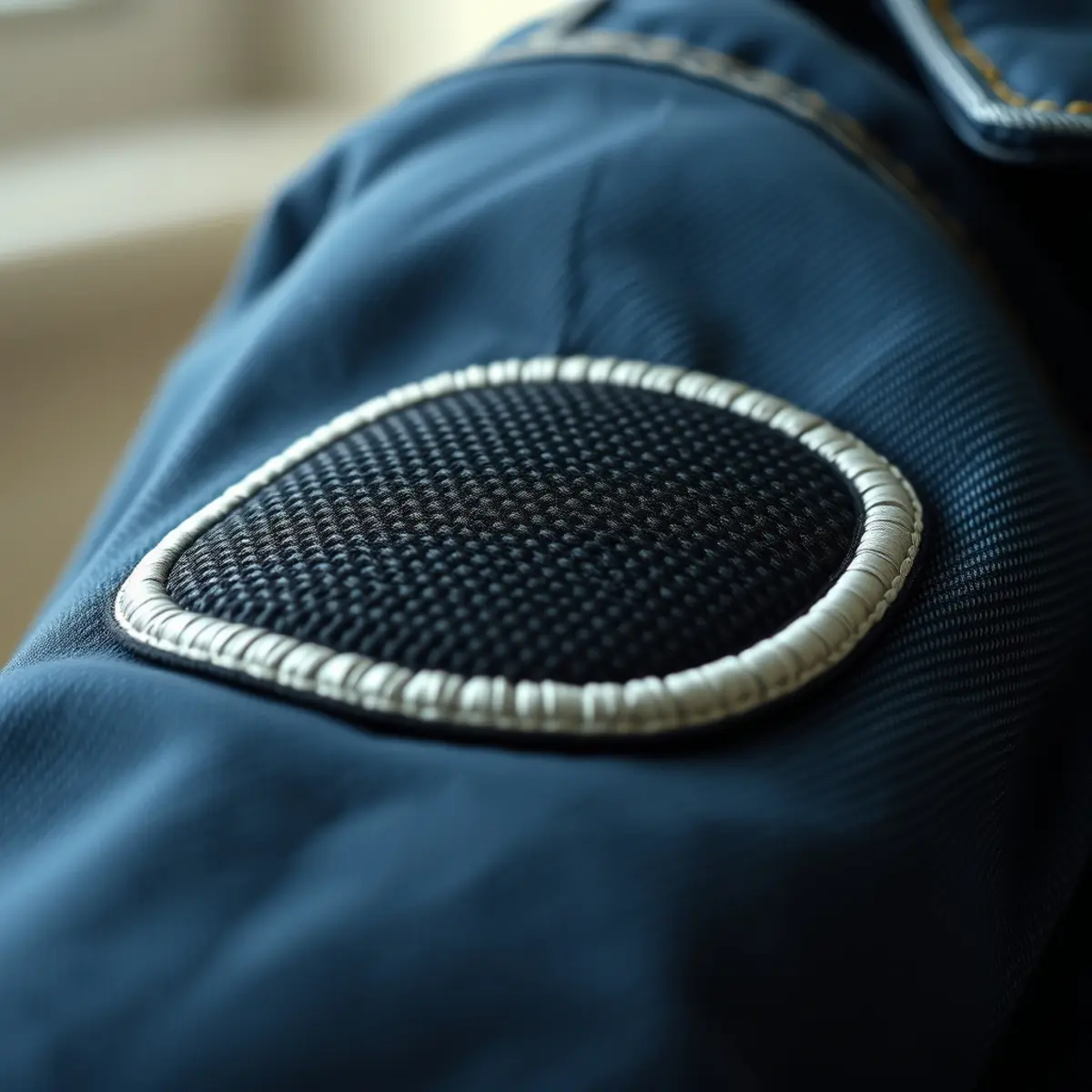
DST file conversion turns standard image files into stitch instructions that commercial embroidery machines can read. A Tajima DST format file acts as a precise roadmap for the needle, telling it where to start, stop, and place every stitch. Whether you operate a multi-head machine or send designs out to production, understanding this process ensures your logos stitch cleanly without thread breaks or puckered fabric.
Quick answer: DST file conversion is the process of translating flat vector or raster artwork into a machine-readable embroidery stitch file. EmboroStitch provides professional embroidery digitizing starting at $13.50 per design with a 24-hour turnaround, delivering reliable formats like DST, PES, and EXP.
What Is a DST File and Why Do You Need It?
Embroidery machines cannot read JPEGs, PNGs, or standard design files. A machine requires a specific language made of coordinates, jump commands, trim codes, and stitch densities. The Tajima DST format is the industry standard for commercial embroidery because almost every multi-head and single-head machine accepts it universally.
When you submit artwork for a custom patch, the design must go through proper digitizing rather than a simple automated conversion tool. Automated software often creates erratic stitch paths, excessive thread trims, and unstable fills that ruin fabric. Professional digitizing maps out underlay stitches, pull compensation, and proper stitch angles to ensure the final embroidered result matches your original artwork.
Step-by-Step Guide to DST File Conversion
Converting vector or raster graphics into a production-ready embroidery file requires careful planning and specialized software. Here is how professional digitizers handle the process from start to finish.
Step 1: Prepare and Clean Your Artwork
Start with clear, high-resolution source files. Vector files such as AI, EPS, SVG, or PDF work best because they scale cleanly without losing edge definition. If you only have a raster image like a high-res JPEG or PNG, the digitizer must trace and clean the outlines manually before planning any stitches.
Step 2: Set the Physical Patch Dimensions
Embroidery is measured in physical inches or millimeters, unlike pixels on a screen. Determine the exact physical dimensions of your design. For example, if you are ordering custom patches, size is calculated by width plus height divided by two. Scaling the design correctly at this stage prevents density issues later.
Step 3: Map Stitch Types and Densities
Different parts of a design require different stitches. Outlines and fine text usually use satin stitches, while large filled areas require fill or tatami stitches. The digitizer assigns underlay stitches beneath the top layers to anchor the fabric and prevent pulling. Thread colors are also designated during this phase to match your design palette.
Step 4: Generate and Test the DST Code
Once all paths, densities, and trims are programmed, the software compiles the data into the final DST file format. A test sew-out is often performed on scrap fabric to check for registration errors, thread bunching, or puckering. Minor revisions are included to refine the stitch paths until the design looks crisp and professional.
Common Mistakes to Avoid During Conversion
Skipping proper setup steps leads to poor embroidery results. Keep these pitfalls in mind when preparing your files:
- Using automated auto-trace tools: Software that instantly guesses stitches without human oversight creates chaotic paths and broken needles.
- Ignoring fabric pull: Fabrics stretch and pucker under needle pressure. Without pull compensation, outlines will misalign with fill stitches.
- Making text too small: Lettering under 3 millimeters tall often closes up and becomes unreadable in thread. Keep small text clean and bold.
- Neglecting underlay: Skipping foundation stitches causes the top threads to sink into loose fabrics like twill or felt.
Professional Digitizing Services at EmboroStitch
Creating reliable stitch files requires expertise and precision. As a US-based patch company with our own production houses in Karachi and Sialkot, Pakistan, we understand both the digital conversion side and the physical production side. We have offered production experience since 2015, helping brands, sports teams, schools, and businesses bring their logos to life.
If you need expert DST file conversion, our embroidery digitizing starts from $13.50 per design and is delivered in 24 hours. We also offer rush service in 2–4 hours when you are on a tight deadline. Beyond DST, we provide PES, EXP, and other machine formats to suit your specific equipment. Orders for physical patches start at just 10 pieces, and every patch order includes a Free Digital Mockup Before Production to confirm your size, colors, backing, and border.
Frequently Asked Questions
What is the difference between a vector file and a DST file?
A vector file is a scalable graphic made of mathematical paths used for printing and artwork creation. A DST file is a machine-readable stitch file containing specific coordinate commands that tell an embroidery needle how to move and sew.
Can I convert a JPEG directly into a DST file?
You cannot simply change the file extension of a JPEG. The image must be manually or semi-manually digitized by a professional using specialized software to generate actual stitch data, underlay, and trim commands.
What embroidery machine formats do you support?
We deliver standard embroidery formats including DST, PES, EXP, and more. Let us know which machine model or software you use so we can provide the exact file type you require.
How long does embroidery digitizing take?
Standard digitizing is delivered in 24 hours. If you need your files faster, we offer a rush turnaround of 2–4 hours.
Can I order physical patches after getting my design digitized?
Yes. EmboroStitch specializes in custom embroidered, woven, PVC, chenille, leather, and printed patches. Orders start at just 10 pieces, and every patch order includes a Free Digital Mockup Before Production.
Ready to Order Your Custom Patches?
Orders start at just 10 pieces, and every patch order includes a Free Digital Mockup Before Production. Send us your design and your quote shows every cost before you pay.
Need Custom Patches?
Send us your design and get honest pricing back within 24 hours, plus a free digital mockup before production. No obligation.
Get a Quote